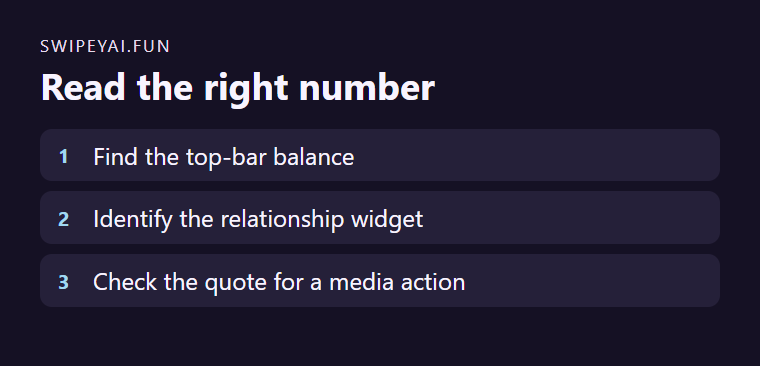
Swipey’s Help Center distinguishes its spendable Hearts from the three-heart relationship indicator inside a chat. Inspect the number used at purchase or generation to find the balance. The in-chat indicator describes relationship progress.
Check the action you are considering
Suppose you want one fictional adult character’s picture after a text conversation. Check the account’s spendable balance and the displayed cost for the specific picture. If the relationship indicator has filled, use it to understand the available relationship status. Read the balance again before requesting paid media.
Keep reward and purchase records separate
Write down where each value appeared if you need to resolve an unexpected change. If an action seems more expensive than expected, give support the time, operation and quote without sharing the full conversation. The two counters help answer different questions.